Rays that follow the light
“Sun Position” says where the light comes from. Move it: every ray turns with it, like behind a real cut-out set. “Light Intensity” is set in stops, one more doubles the light.


The plugins
 Spatium Particles that obey physics. $59
 Phosphor The glow of a real lens. $19
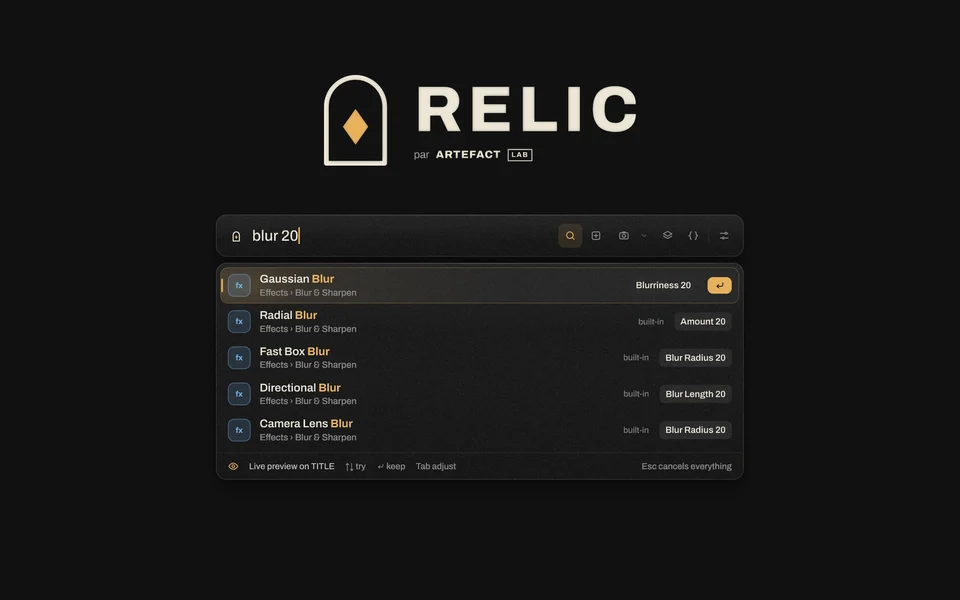 Relic One shortcut, and every After Effects tool appears right under your cursor. Free
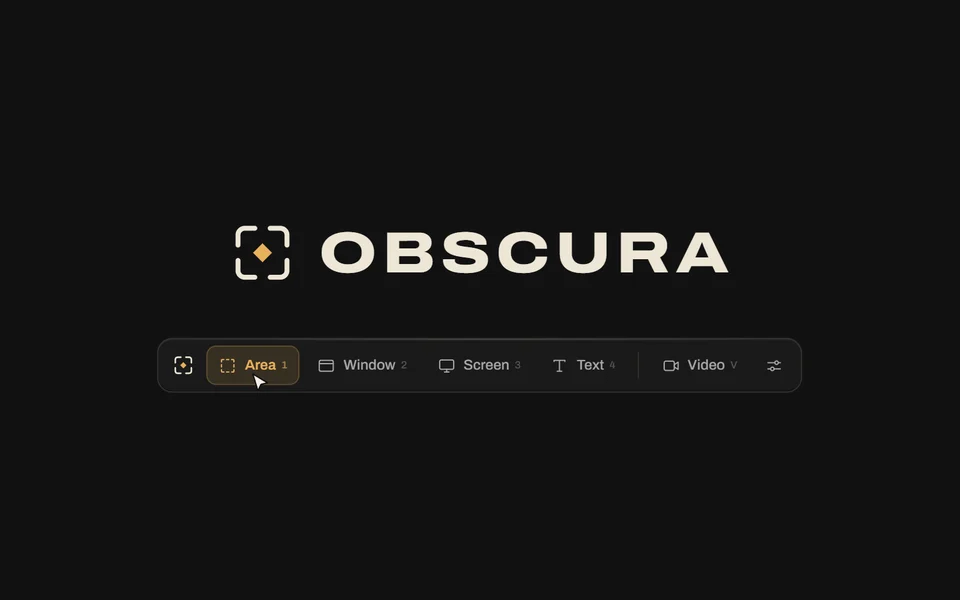 Obscura Print Screen, drag, let go: it’s saved. Free
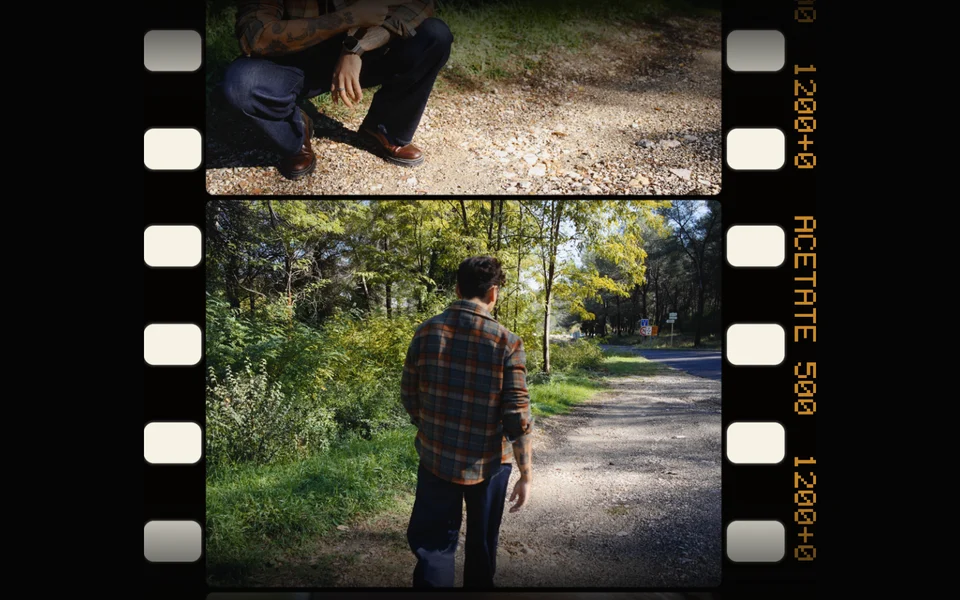 Acetate Analog film, physically simulated. Free
 GRIP A real camera operator for your 3D camera. Free
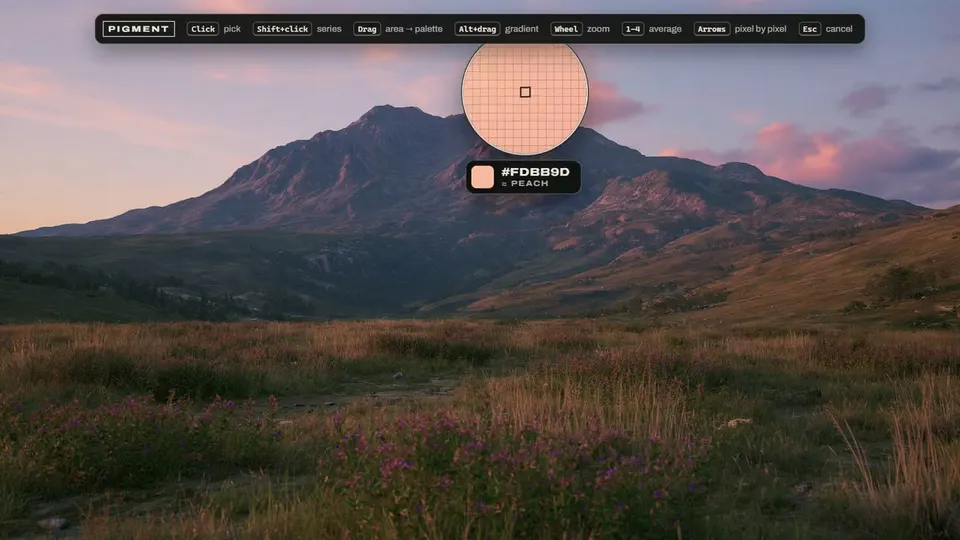 PIGMENT One shortcut, one click: the color, its name and every code. Free
 QUARTZ Find the camera that shot your footage. $29
 REAL GOD RAY Real light rays, computed like on a film set. $19
 ARGON Colour the light. Free
 LODESTONE The right file, before you finish typing. Free
 ROSACE Drag, tap a key, drop. Free
Video courses
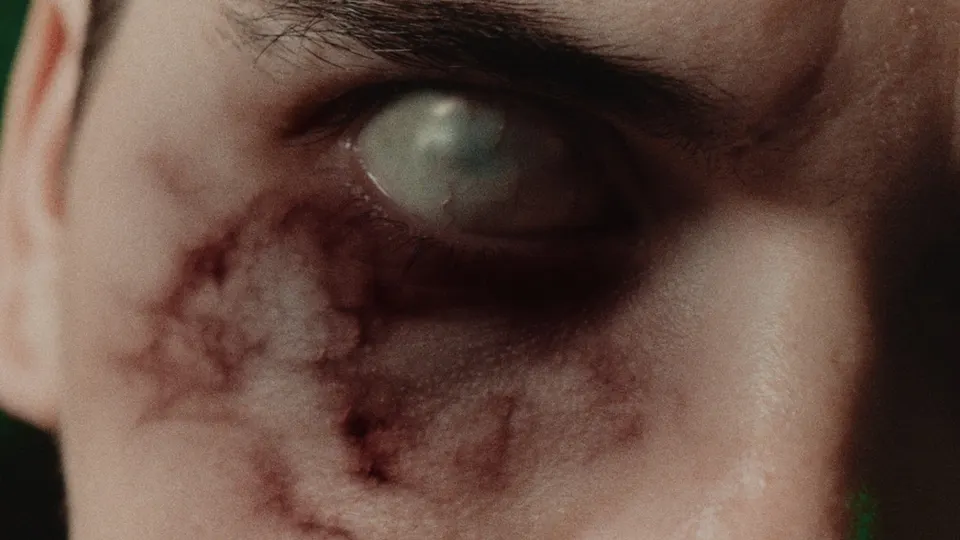 The Zombie Eyes A zombie eye that holds up in extreme close-up. Free
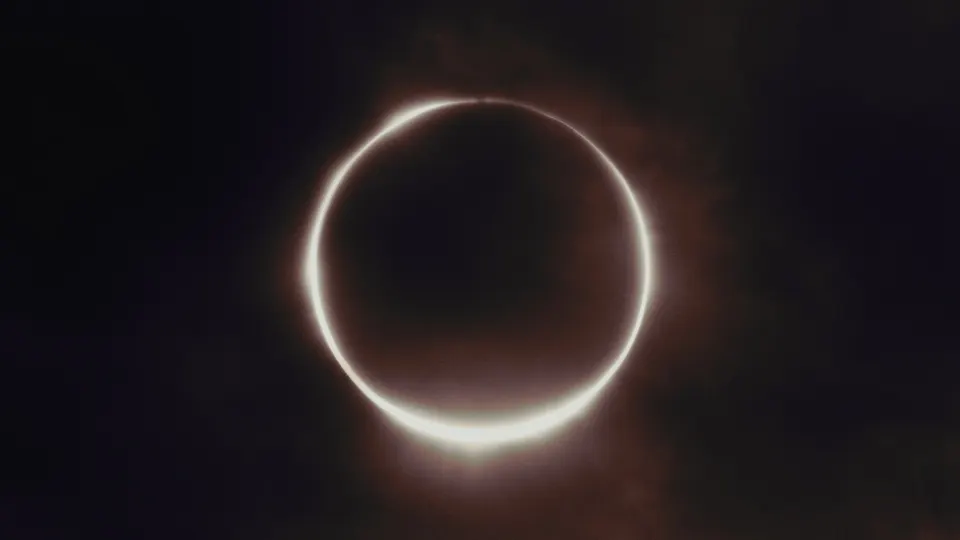 The Eclipse A total eclipse, from scratch. Free
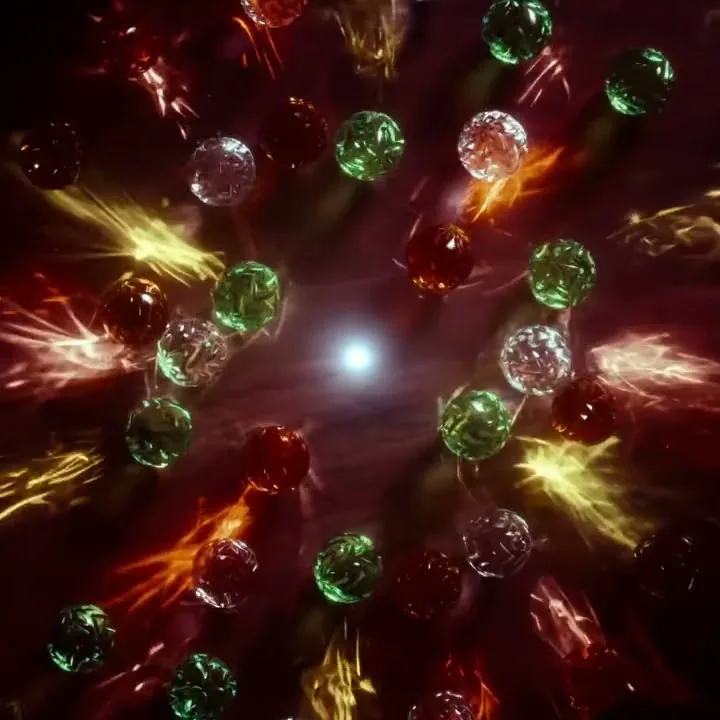 The Caustics Light through glass, in 3D. Free
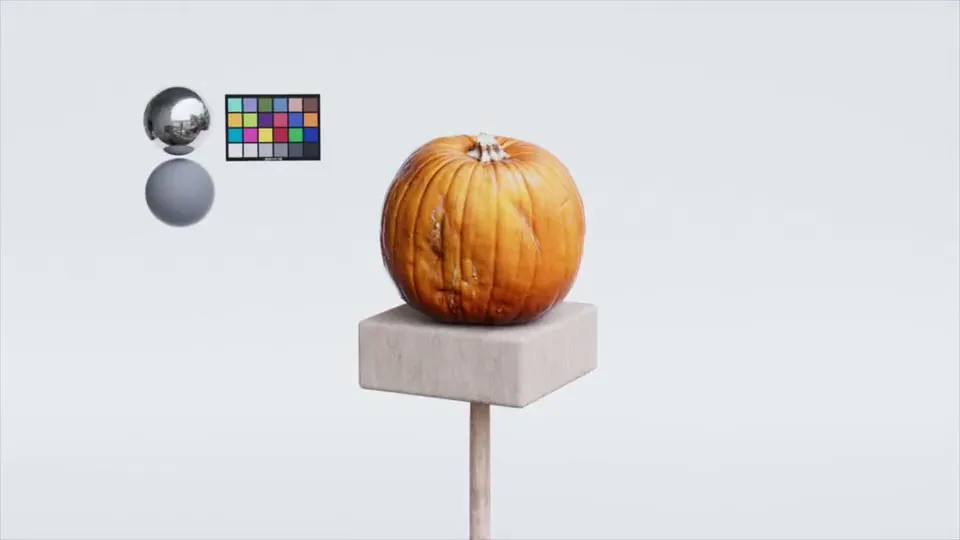 The ACES Workflow ACES, made simple. Free
 The Flash Logo A movie logo in 3D, from drawing to compositing. Free
Real light rays, computed like on a film set.
Light passes through the openings of your image, a logo, a window, foliage, scatters in real air (haze, smoke, fog, water) and lands on the floor. Distances in metres, light in stops. For After Effects.
$19 until the offer ends on 3 December at midnight, then $39
You save $20 by buying now.
Taxes included · Lifetime licence · all 1.x updates included
Trial : free, on Windows and Mac, with a watermark until activation
 After Effects 2025 and later
Drop Real God Ray on your logo or title, white on black. Drag the sun in the comp: the rays come out of the letters, on the opposite side.
“Sun Position” says where the light comes from. Move it: every ray turns with it, like behind a real cut-out set. “Light Intensity” is set in stops, one more doubles the light.
Tick “Use Floor”: the floor places itself at the foot of the logo and the light of the letters stretches across it. The pattern stays sharp at the foot of the letters and softens further away, like the real thing.
A smoke machine, incense, a chimney: “Smoke Source” releases a plume that rises into the light. The smoke is computed in the room, with its eddies, its heat and its lifetime. The rays tear through the swirls.
Drag the image. Pick a look.
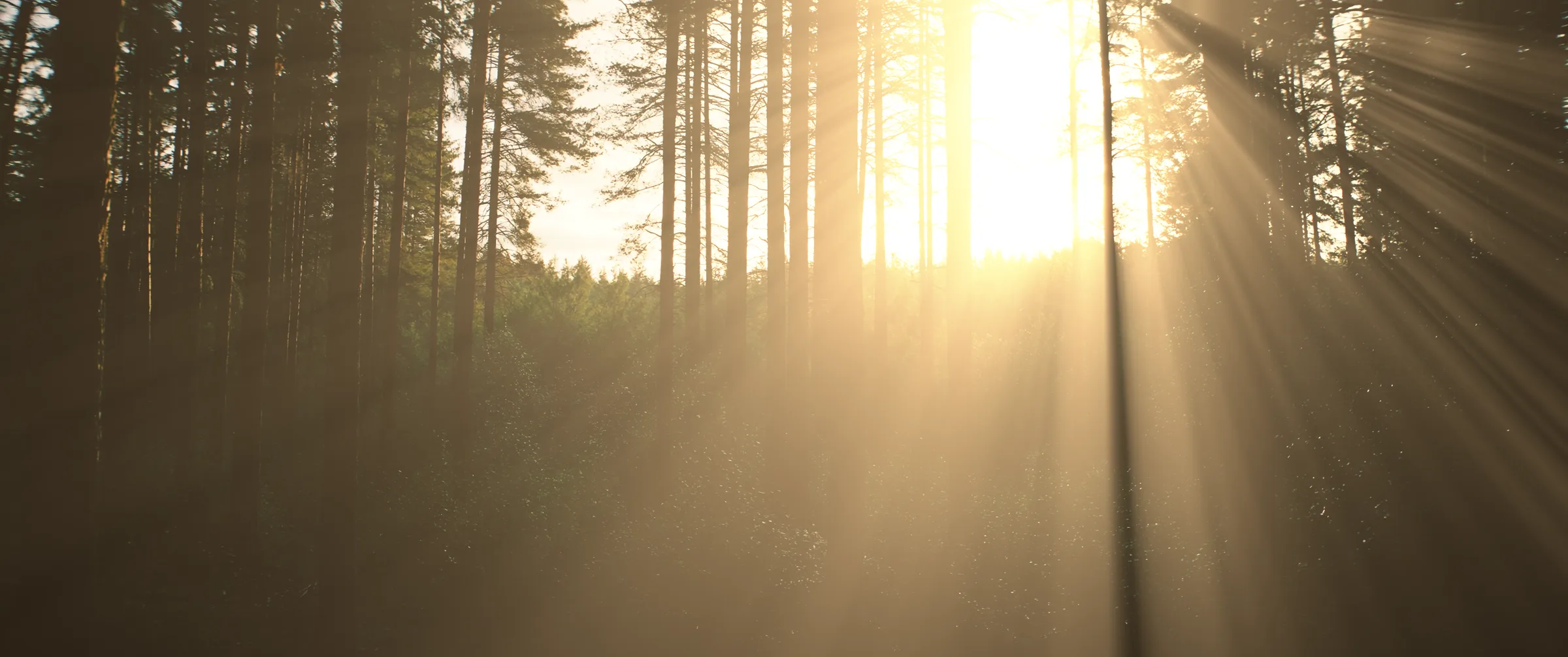
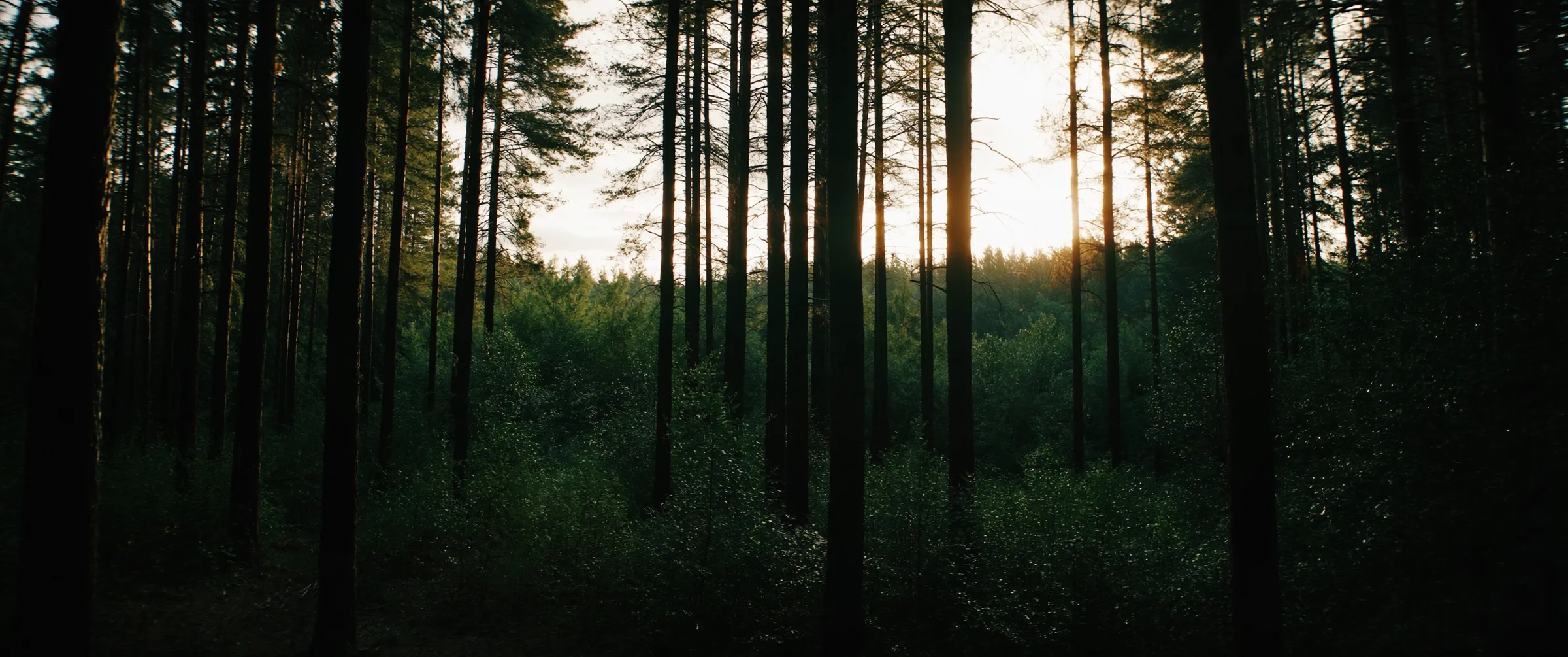 Source Forest Morning
Golden mist, low sun at 4,000 K
Real Real God Ray renders, the sun placed and set for each shot. Forest Morning and Rays Only: a real forest shot; the other source images are generated with AI. “Rays Only” is the light pass alone.
It is not a radial blur. Many ray effects stretch the image from a point. Real God Ray computes the path of the light: it passes through the openings of your layer, scatters in the air, stops on the floor and gets cut by whatever crosses it.
Film-set controls. Distances are in metres, light in stops, its colour in kelvins, the thickness of the air in metres of visibility. A small sun gives sharp edges, a large one soft edges. The sun can even turn yellow, then red, as it goes down.
Air that lives. Six media (haze, fog, dust, smoke, water, custom), air that drifts with the wind, and simulated smoke that keeps its history from frame to frame. Dust motes sparkle one by one in the beam, with their motion blur and bokeh.
It works with your scene. The After Effects camera and 3D lights, up to three silhouettes cutting the beams, separate passes (light alone with alpha, dust alone) and OCIO / ACES projects.
Dust shows in clean air under a strong sun, like the real thing. Real God Ray draws the motes one by one in the beam: amount, size, sparkle, air turbulence, motion blur and focus blur.
No logo, no window to cut out? Gobos are shapes the effect draws itself in front of the light.
The “Cathedral” look on a picture of stained glass: light passes through the panes, each pane tints its beam, and the colours land on the floor (“Stained Glass Color”). No stained glass in your shot? The stained glass gobo draws one.
The foliage gobo moves with the air: sun patches dance on the floor like under a tree.
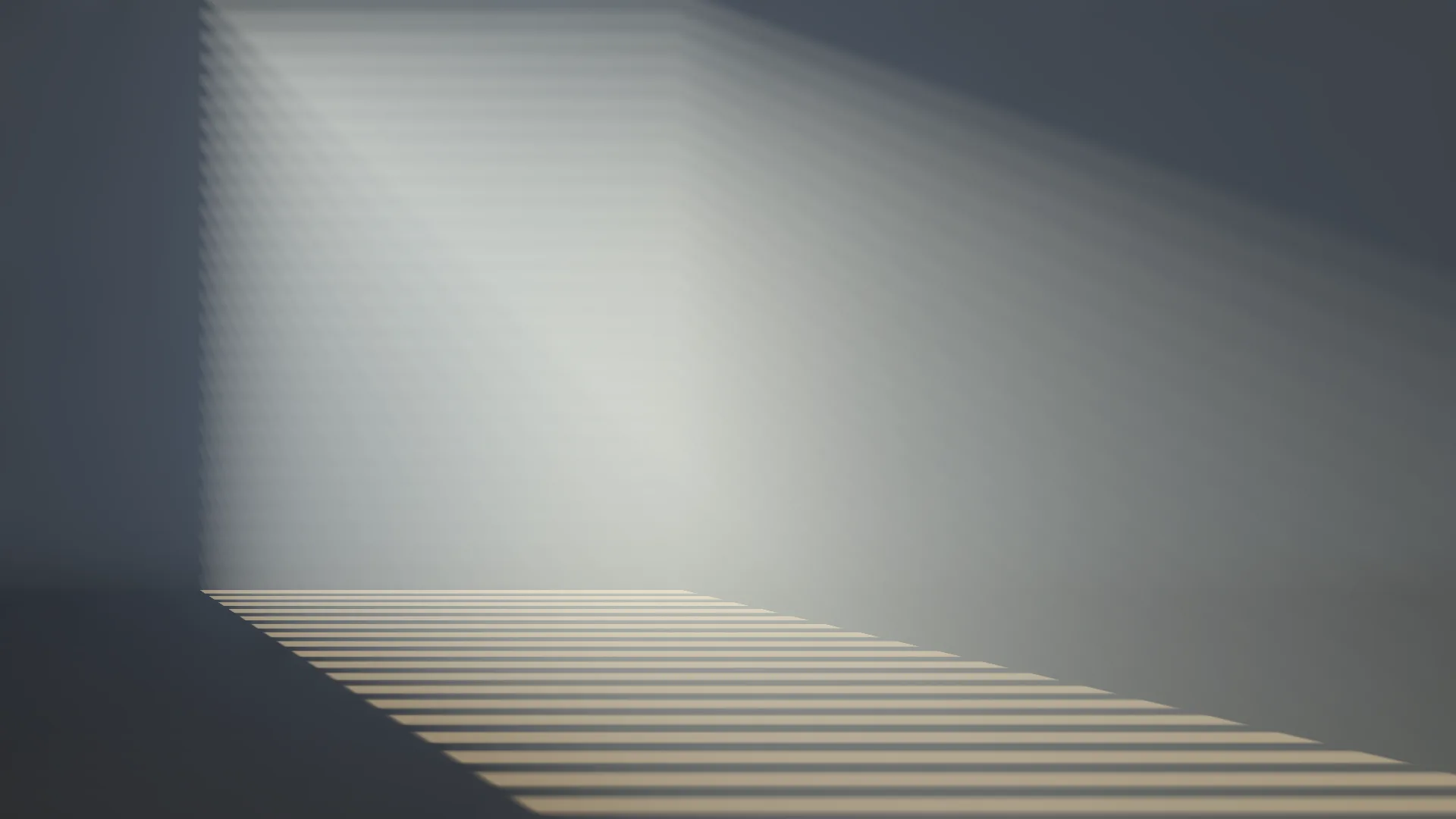
Film noir venetian blinds, with their angle (“Blinds Angle”), a paned window or a grid. You place and size them in the comp.
Up to three more occluder layers, each at its own distance: a character in a beam, with their shadow cut out on the floor, blinds in front of stained glass.
Make your logo a 3D layer, add a camera: Real God Ray switches to 3D on its own. It also reads After Effects lights, and both the light and the smoke source have handles in the comp.
A look sets the air, the light and the smoke; the sun position and your layers stay. All rendered by the plug-in.
Golden mist in the woods, one shaft per gap
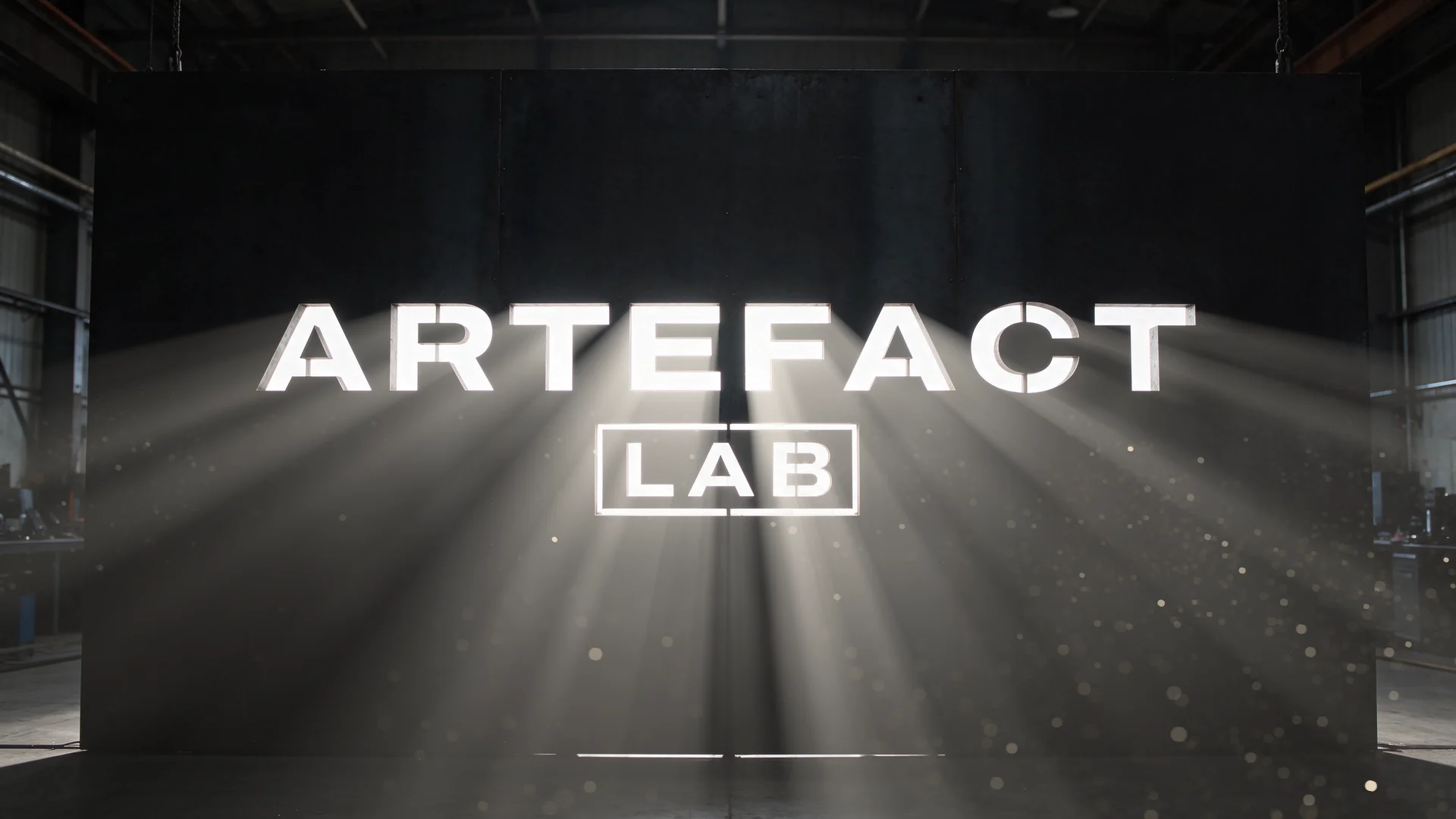
Logo or title on black, clean air, sparkling dust
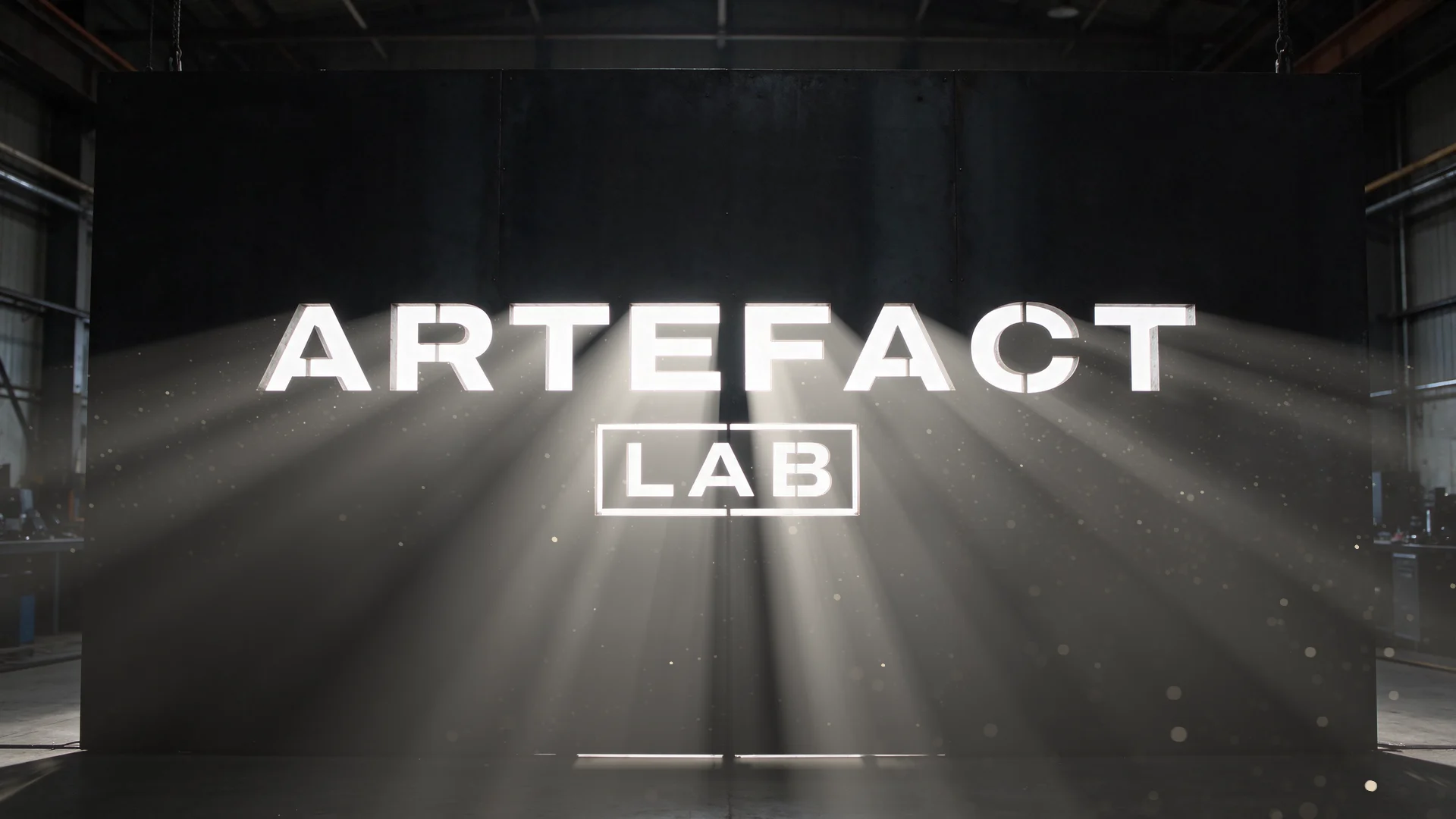
The light of the letters stretches across a studio floor
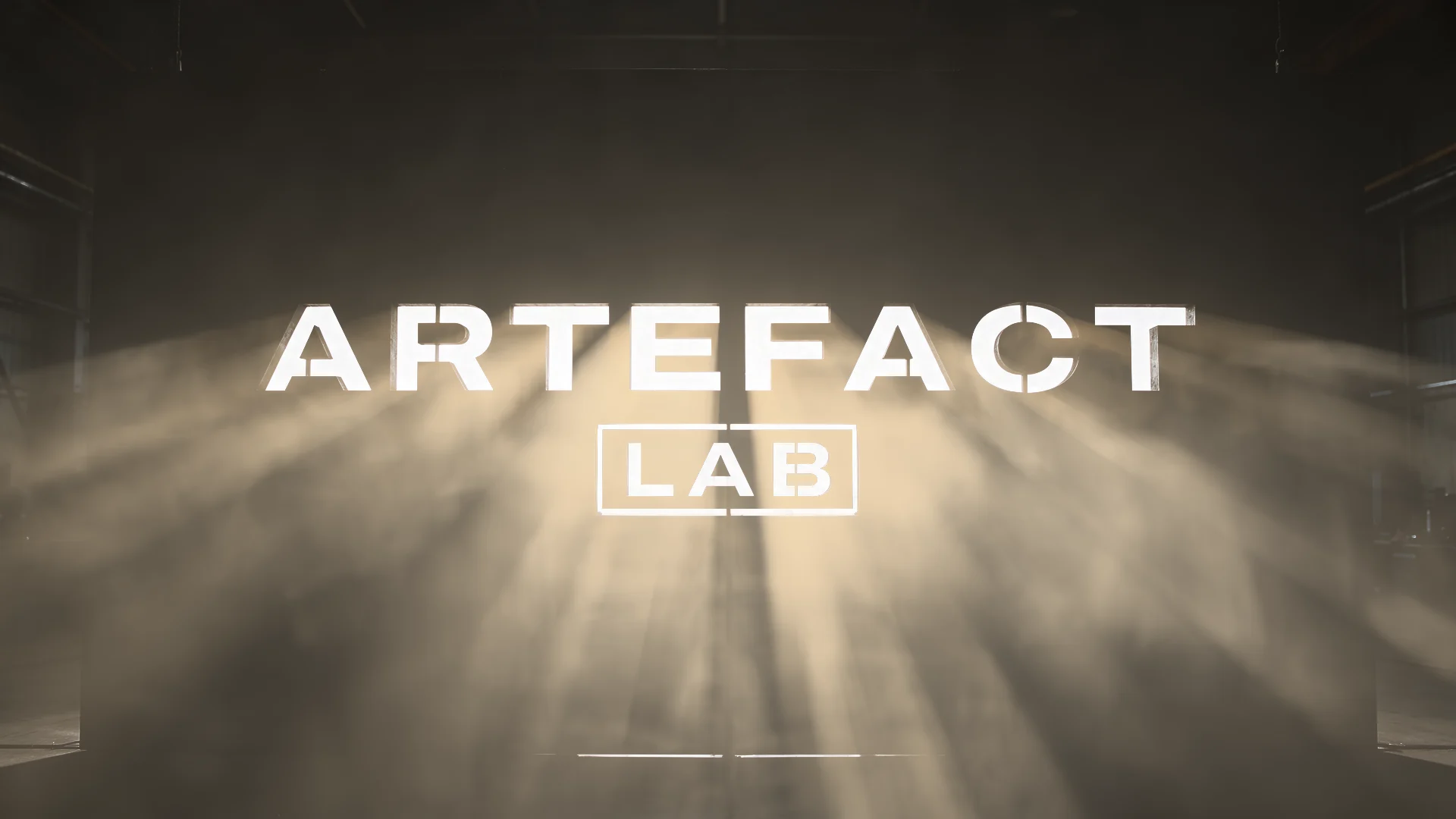
Smoky room: the rays tear through the swirls
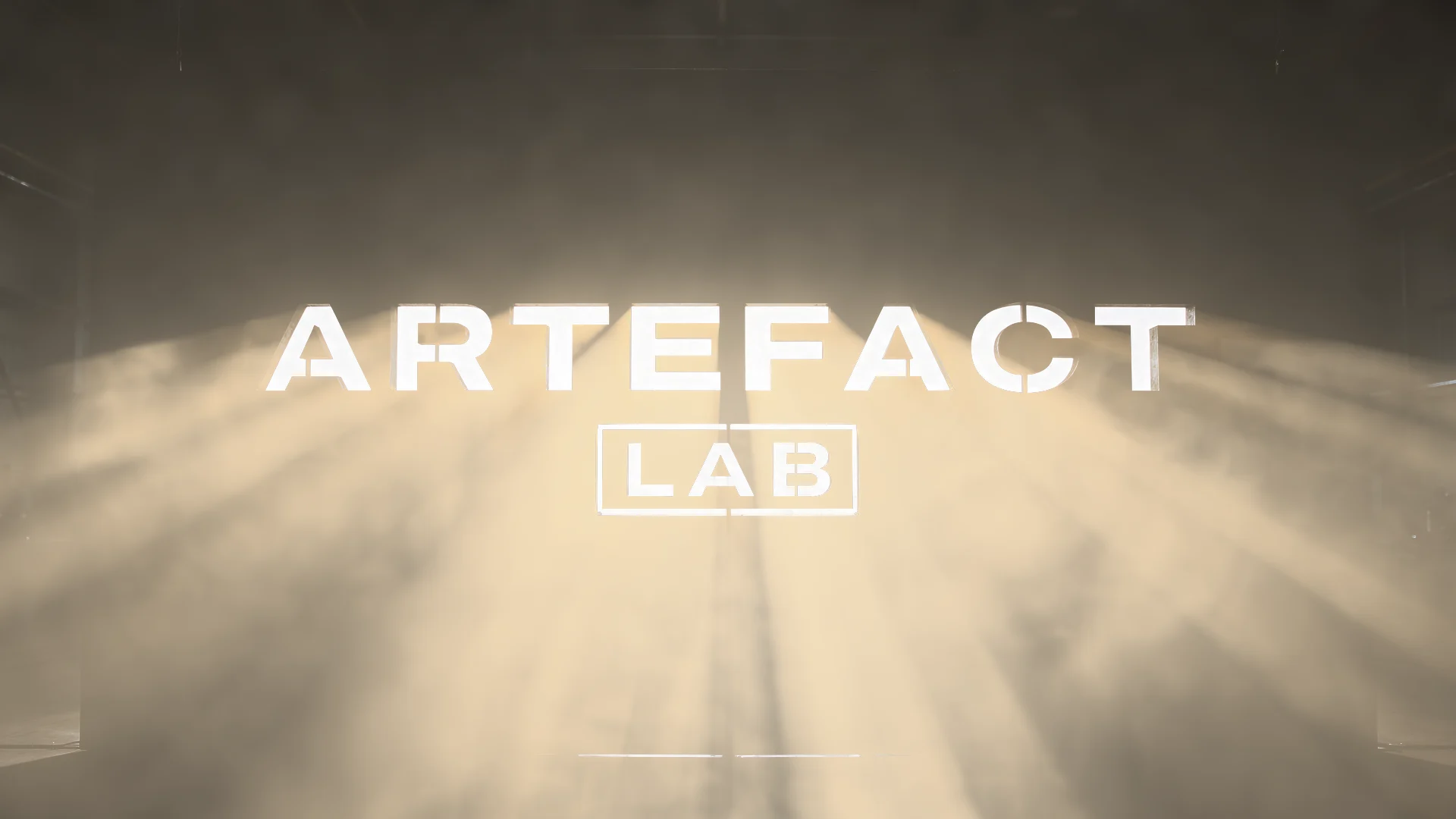
The logo on a floor, in the smoke resting on it
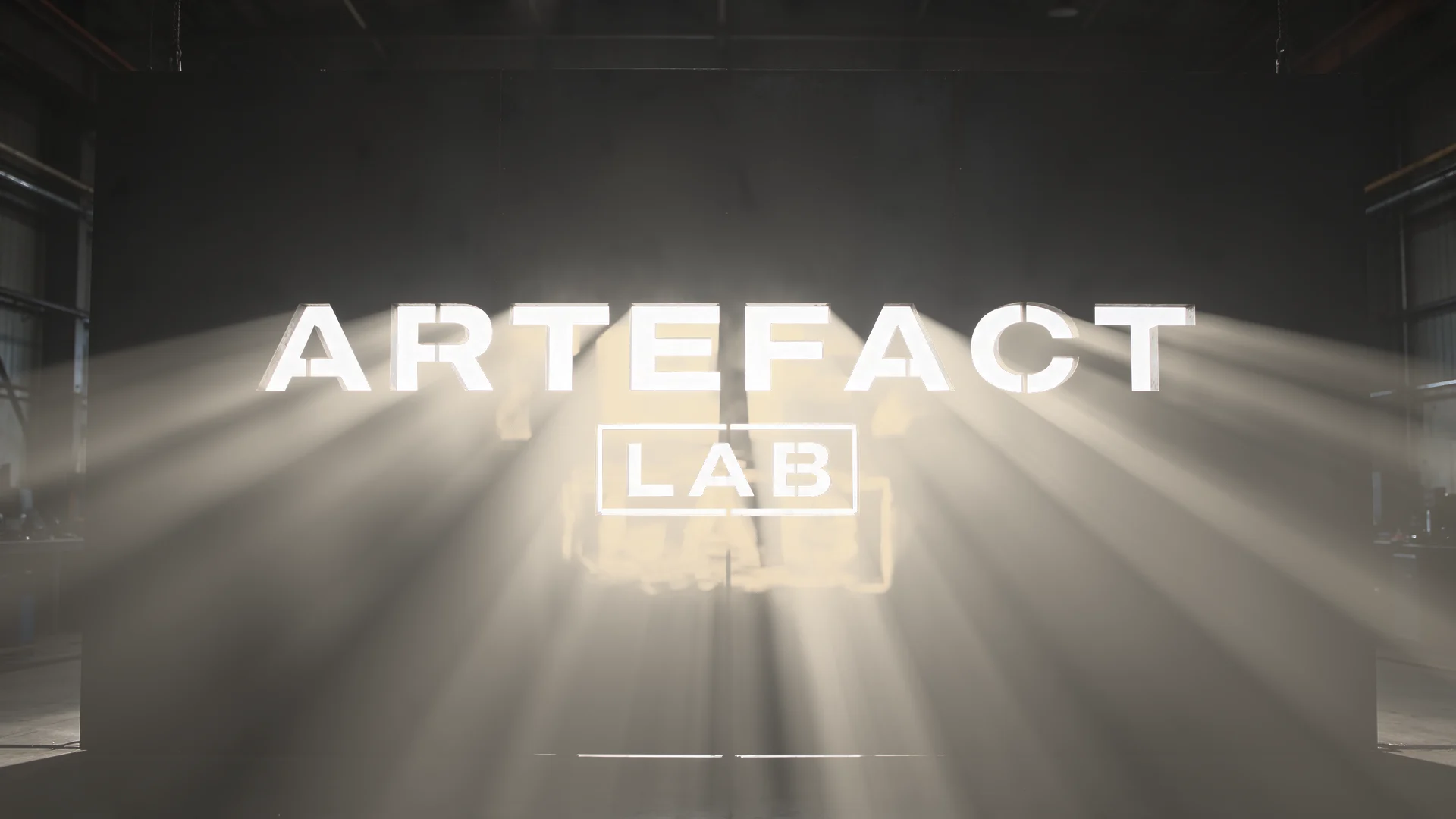
A smoke machine in front of the logo, its plume in the light
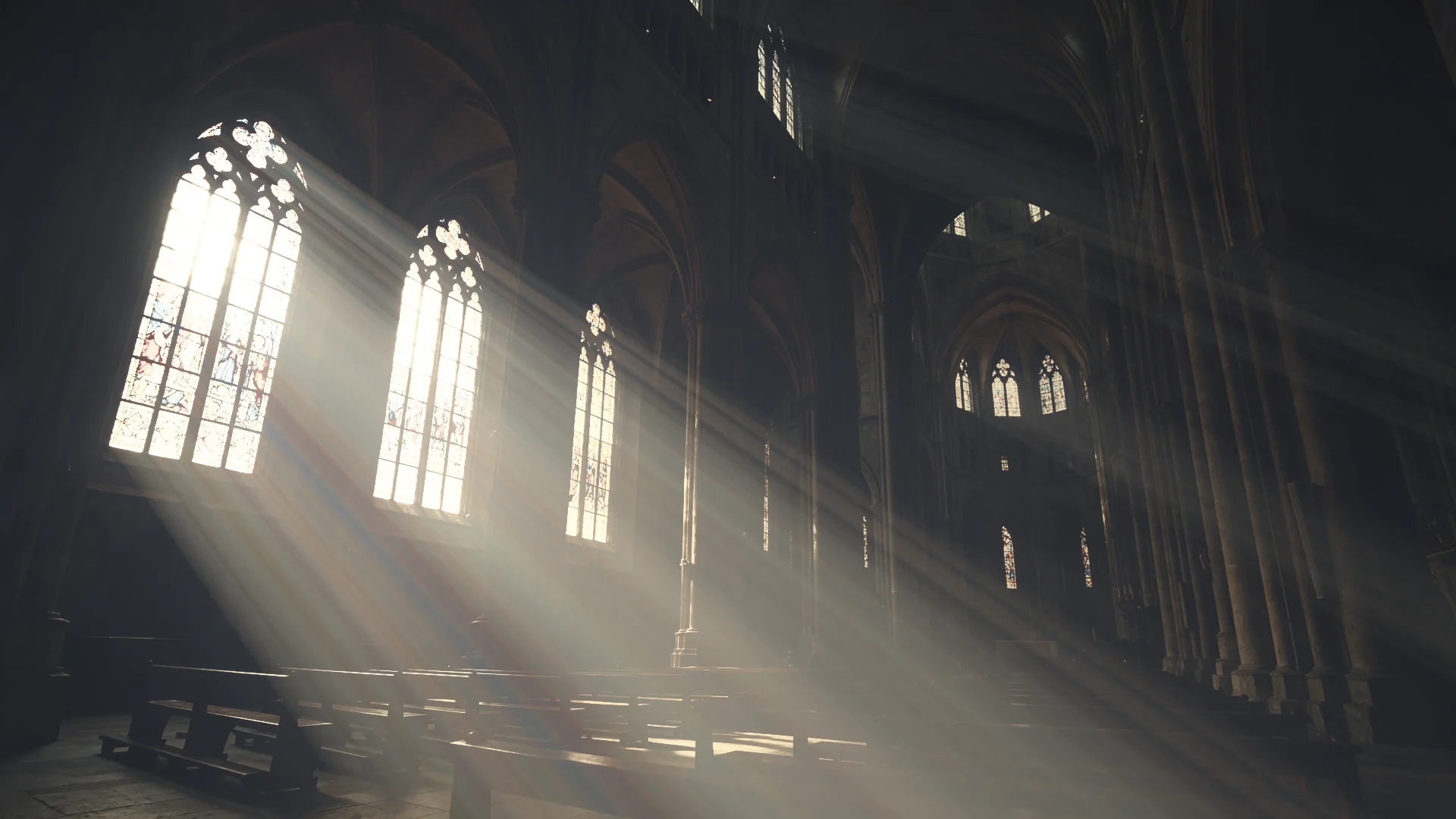
Incense in a nave, coloured beams from stained glass
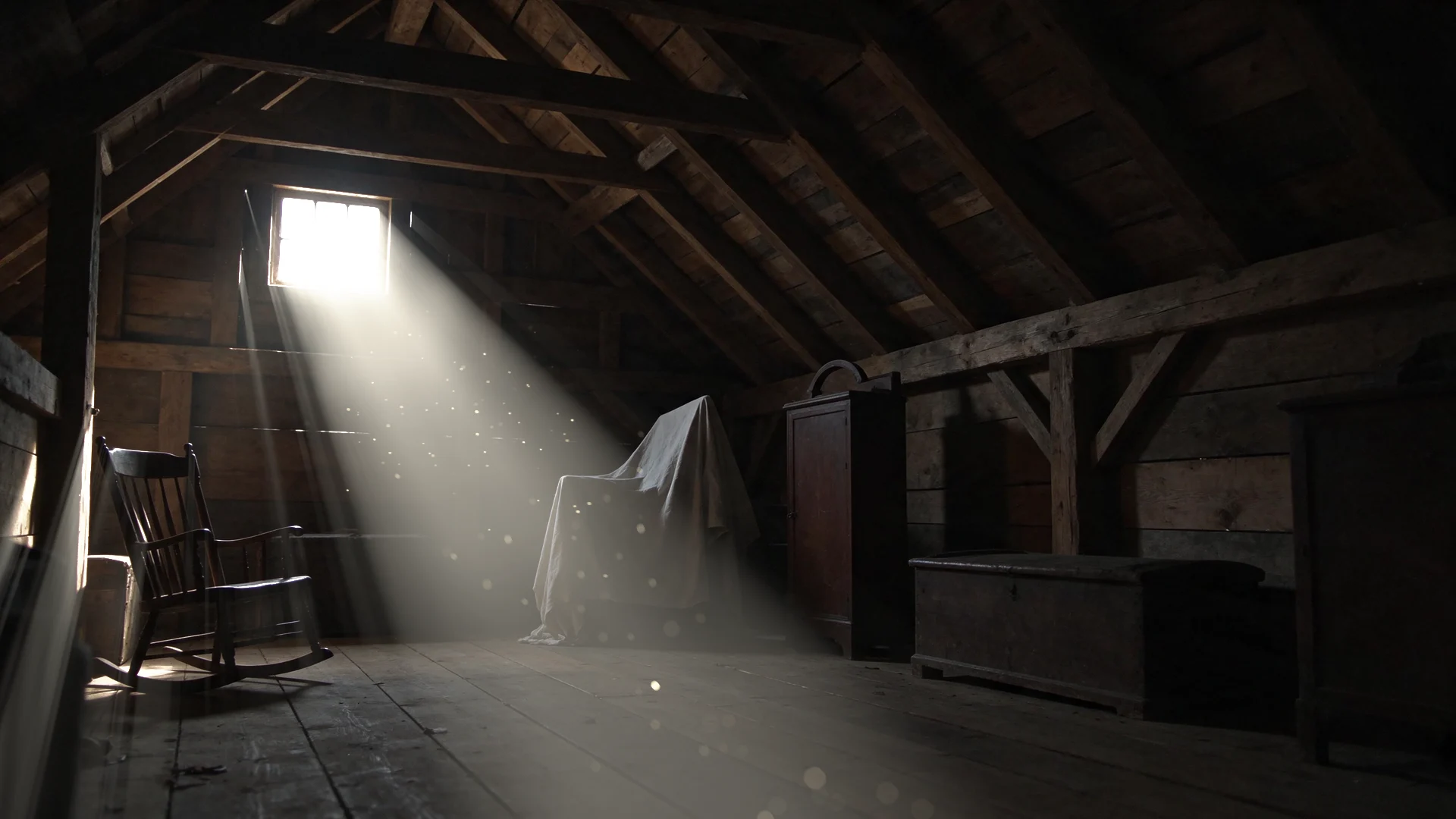
Dust in the rays of an attic
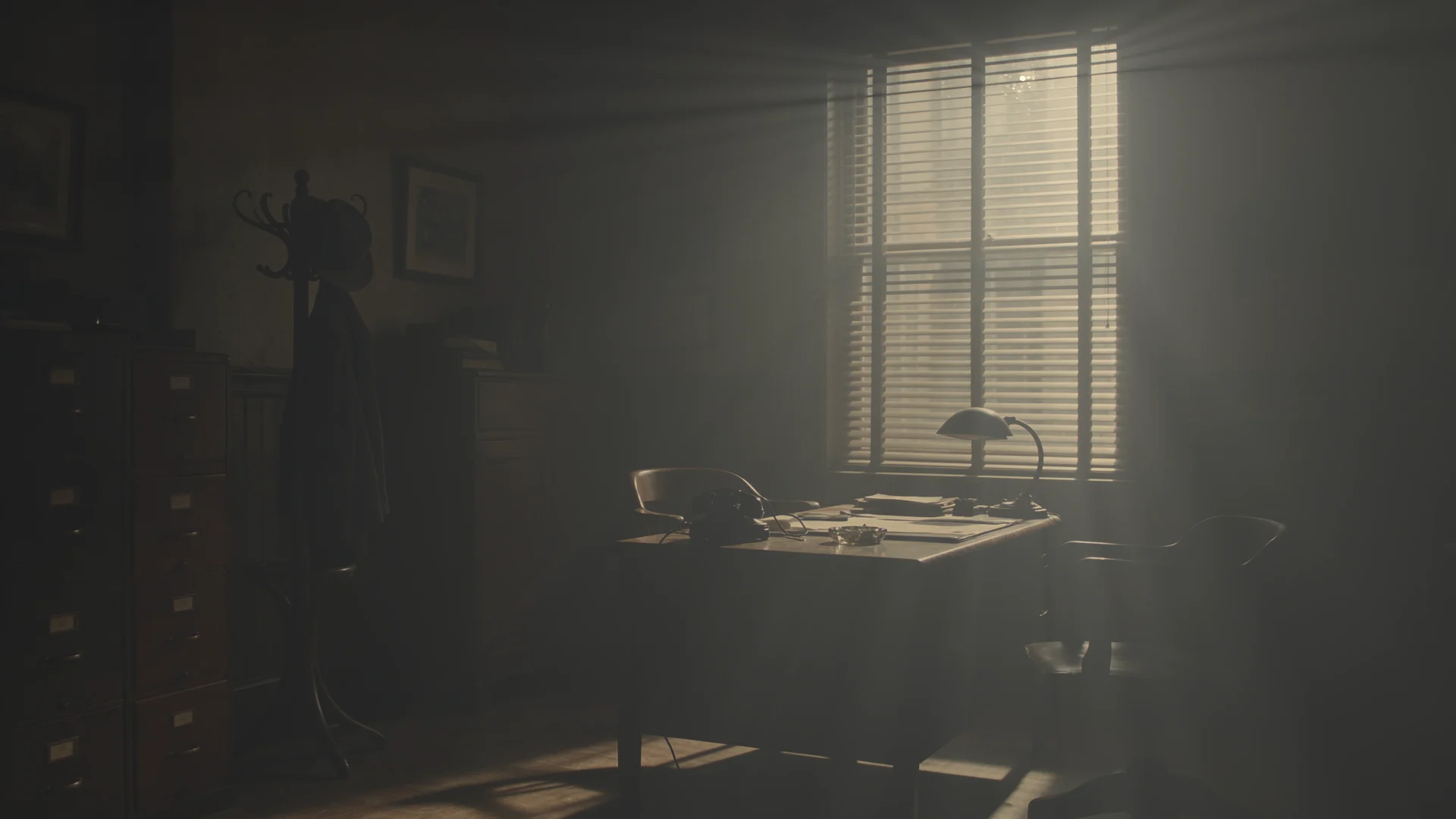
Film noir: venetian blinds, cigarette smoke
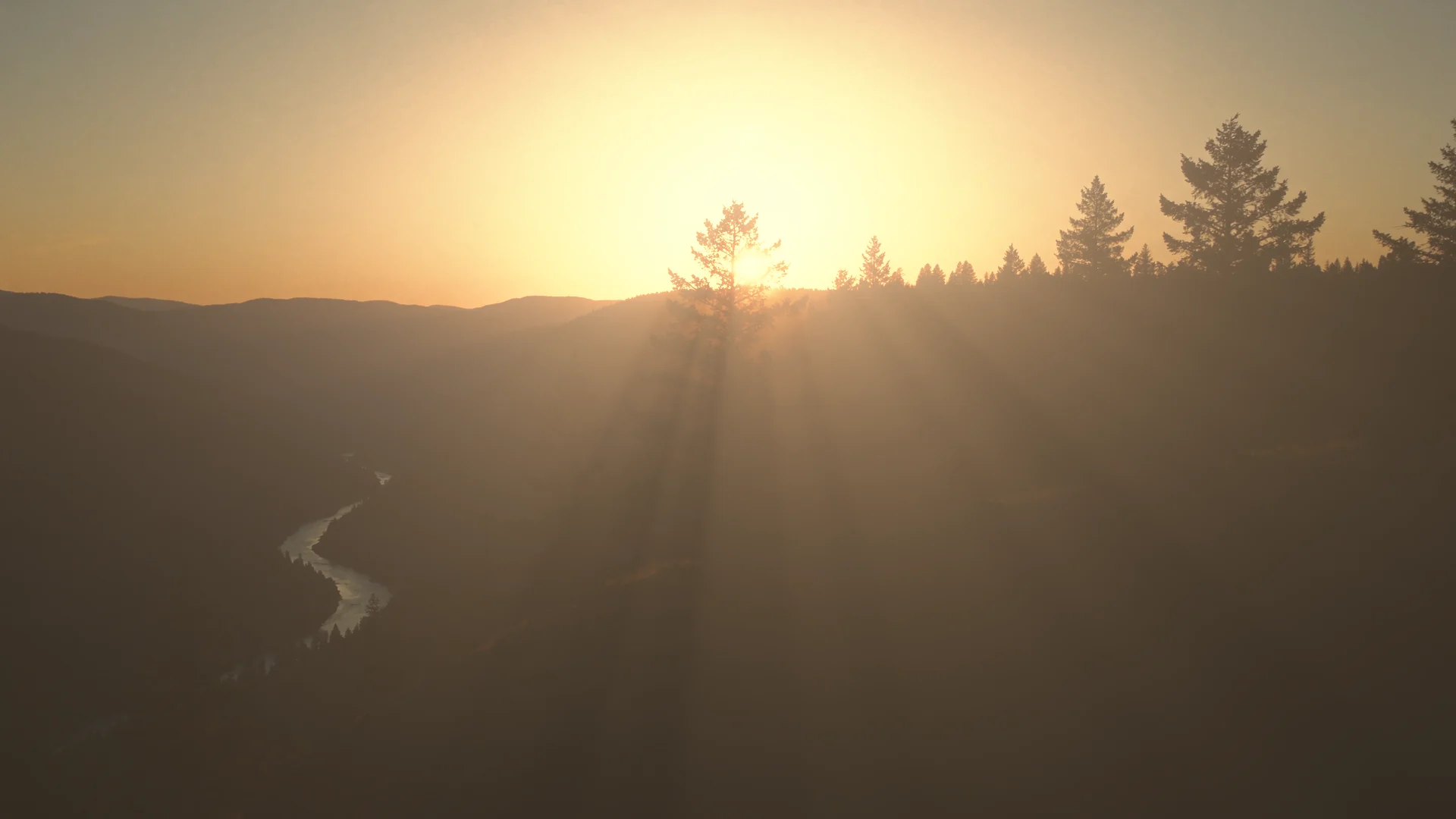
Sunset, miles of haze
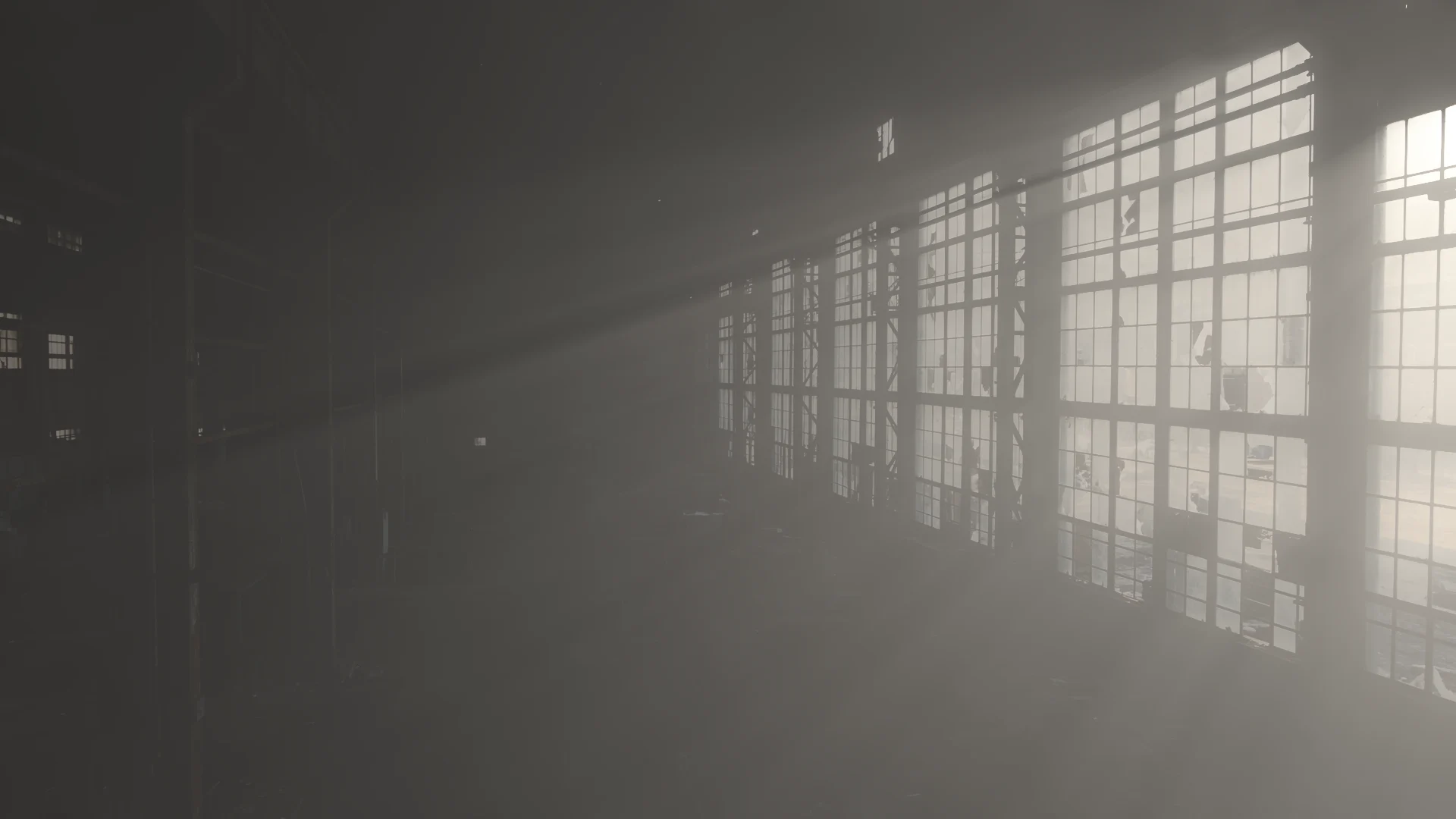
Thick fog: soft beams, filled shadows
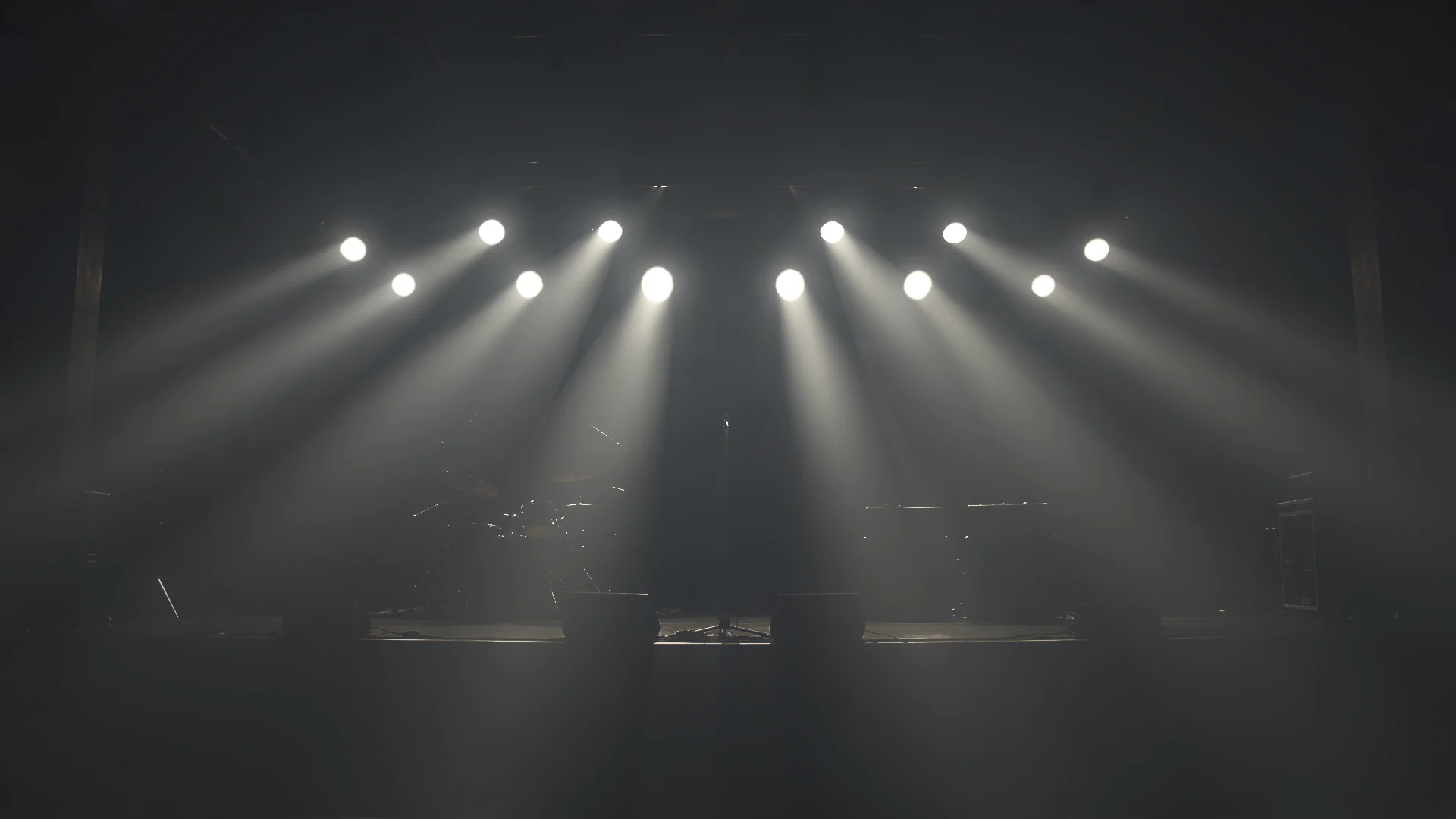
Concert haze machine under a follow spot
Below the surface, the sun through the waves
A classic effect stretches the bright areas of the image from a point. Real God Ray places a light, air and a floor in a scene to scale, then computes what the camera sees: the beams have true perspective, stop on the floor, change with the haze and the smoke.
On Windows: an NVIDIA card (GeForce RTX 20, GTX 16 series or newer) or an AMD one (Radeon RX 5000 to 9000, Radeon PRO W5000 to W9000, or a recent Ryzen integrated Radeon, 680M to 890M and 8040S to 8060S), with an up-to-date AMD driver. On Mac (beta): the graphics card is used from macOS 15. The effect’s status line tells you what is computing: “GPU (CUDA)”, “GPU (AMD)”, “GPU (Metal)” or “CPU”. Without a compatible card (older Radeons, Intel cards, Macs before macOS 15), the effect still works, on the CPU, much slower. The simplest way: try the trial on your machine before buying.
Yes, in beta: macOS 13 or later, Apple Silicon (M1 to M4) and Intel, with After Effects 2025 or 2026 and the same license key. From macOS 15, the graphics card does the work (Metal); before that, or without a Metal 3 card, it runs on the CPU, much slower. The Mac version was checked on our test Macs, but it is brand new: try the free trial before buying, and write to us if something doesn’t work for you. The package is not registered with Apple yet: the first time, go to System Settings › Privacy & Security and click “Open Anyway” (on macOS 14 and earlier: right-click the package › Open). Then, in After Effects: Effect › ARTEFACT LAB › Real God Ray.
Yes. Light can pass through the bright areas of the shot, through its alpha or another layer (“Openings Layer”), or through a gobo drawn by the effect. “Haze on Plate” adds the veil of the air over the image. One limit to know: the openings are a flat plane, with no depth.
Yes: “Clean Logo” keeps your logo exactly as drawn, and the light around it stays below its white.
The installer adds a guide in English and French and an examples project: the five title looks on a logo, and a 3D scene with a moving camera. While tuning, set “Quality” to Draft; go back to Good or Best for the render.
Yes: the trial is complete, with a watermark on the render. It goes away as soon as you activate your licence key, with nothing to reinstall.
You get your key by email after the purchase. In the effect: “Manage License…”, paste the key, “Activate on this computer”. One key covers 2 computers; “Deactivate this computer” frees it to move. Once activated, the licence holds for 30 days offline.
No reviews yet. Using REAL GOD RAY? Be the first to say what you think.
Only people who have the product can leave a review: the email entered must match an order of this product (a free download counts). That’s what the “Verified purchase” badge (or “Verified download” for a free product) shows.
I read every review myself before publishing it, usually within a few days. Negative reviews are published like the others. A review is only turned down if it contains insults or defamation, personal information or advertising, isn’t about the product, or doesn’t seem to come from real use; its author then gets the reason by email and can write a new one.
Every author gets a 10% discount code (one per person, not combinable with another discount or a sale), whatever their rating and whether or not the review is published.
Reviews are sorted from newest to oldest, never by rating, and stay online as long as the plugin is sold. To change or remove yours, write to contact@artefactlab.studio.
Every update of the version you bought (1.x for version 1) is free for buyers: they wait for you in My account, on this site.
REAL GOD RAY
Secure payment through Polar, licence key sent by email.
Particles that obey physics.
$59 until the offer ends on 3 December at midnight, then $89 $59
The glow of a real lens.
$19 until the offer ends on 3 December at midnight, then $49 $19


One shortcut, and every After Effects tool appears right under your cursor.
Free, No card needed Free
REAL GOD RAY New
This site only uses the cookies it needs to work (language, My account sign-in, course access): no advertising or tracking cookies. Only the cookies the site needs: no ads, no tracking. Learn more